

Multi-screen display, simultaneous display or multi-screen display, multi-threaded display is a common thing among industrial computer customers. So how to accomplish this kind of large screen multi-display?
Everyone analyzes and shows from the following many cores.
For the display screen of the industrial computer, one must display the interface, and the other must display the machine equipment. Generally, there are the following types of display interfaces: VGA, DVI, HDMI and DP interfaces. Display equipment, with LCD screen display (VGA interface), ultra-clear video display or analog signal display (DVI or HDMI or DP interface).
In the application of the operation process, how to complete the simultaneous multi-display and multi-threaded patchwork multi-display?
Let’s talk about multiple displays at the same time, which is also called copy screen display. In short, all the displayed screens are the same. For example, if you have an industrial computer with four VGA ports, you must connect four monitors, and you want these four screens to be the same, how do you set it up?
First of all, according to the relative interface, first connect the display of the supporting facility. Then, open the operation interface of the industrial computer and right click the mouse to "display settings". Eventually, the following screen will appear (there is only one monitor here, so I can’t reflect the actual operation in detail). However, if you connect two or more monitors, the words "setting copy and expansion mode" will appear. If you choose "copy" display, the two screens are the same. Similarly, if you select "Expand", it will be displayed in multiple threads, that is, the screen will be different.
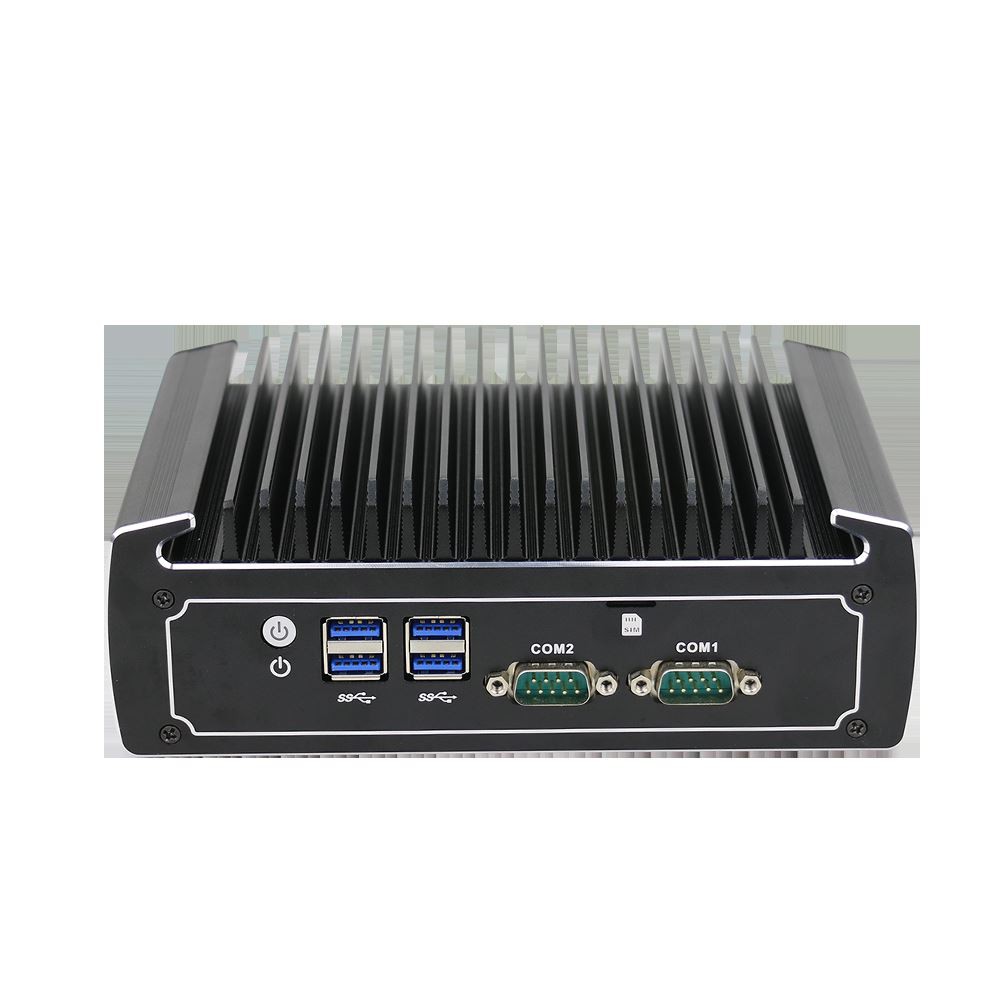
Here, I would like to remind everyone that the industrial computer in the system software is not necessarily capable of dual display. This has a certain relationship with the motherboard. Here, everyone strongly recommends a product that has been tested by everyone. , It is a system software industrial computer that can consider dual display. The product described by Yanling Industrial Intelligent Industrial Production Panel is cost-effective, with colorful port numbers, built-in VGA and HDMI dual displays on the motherboard, and parallel port and serial port communication, which can consider the requirements of various fields.
Well, the above is the practical operation method and knowledge points of how to accomplish multi-screen display, simultaneous display and multi-threaded display on industrial computer for everyone. I look forward to your help.